Photofield v0.20.0 Released
Since this blog seems to be mostly about Photofield, the self-hosted photo gallery side-project I’ve been building, why not do a release update? People do those, right? The last time I wrote about an update was a year and a half ago for release v0.15.0 over at Lemmy, so it seems like a good base to compare against as any.
Contents
What’s new?
Turns out, many things! Here are some of them since v0.15.0:
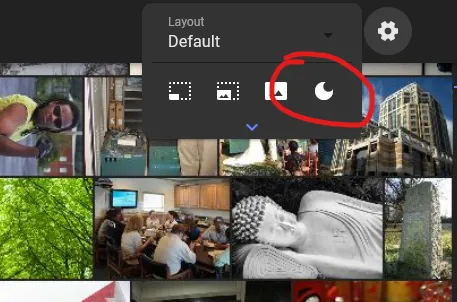
- Dark mode: a no-brainer in this day and age really!
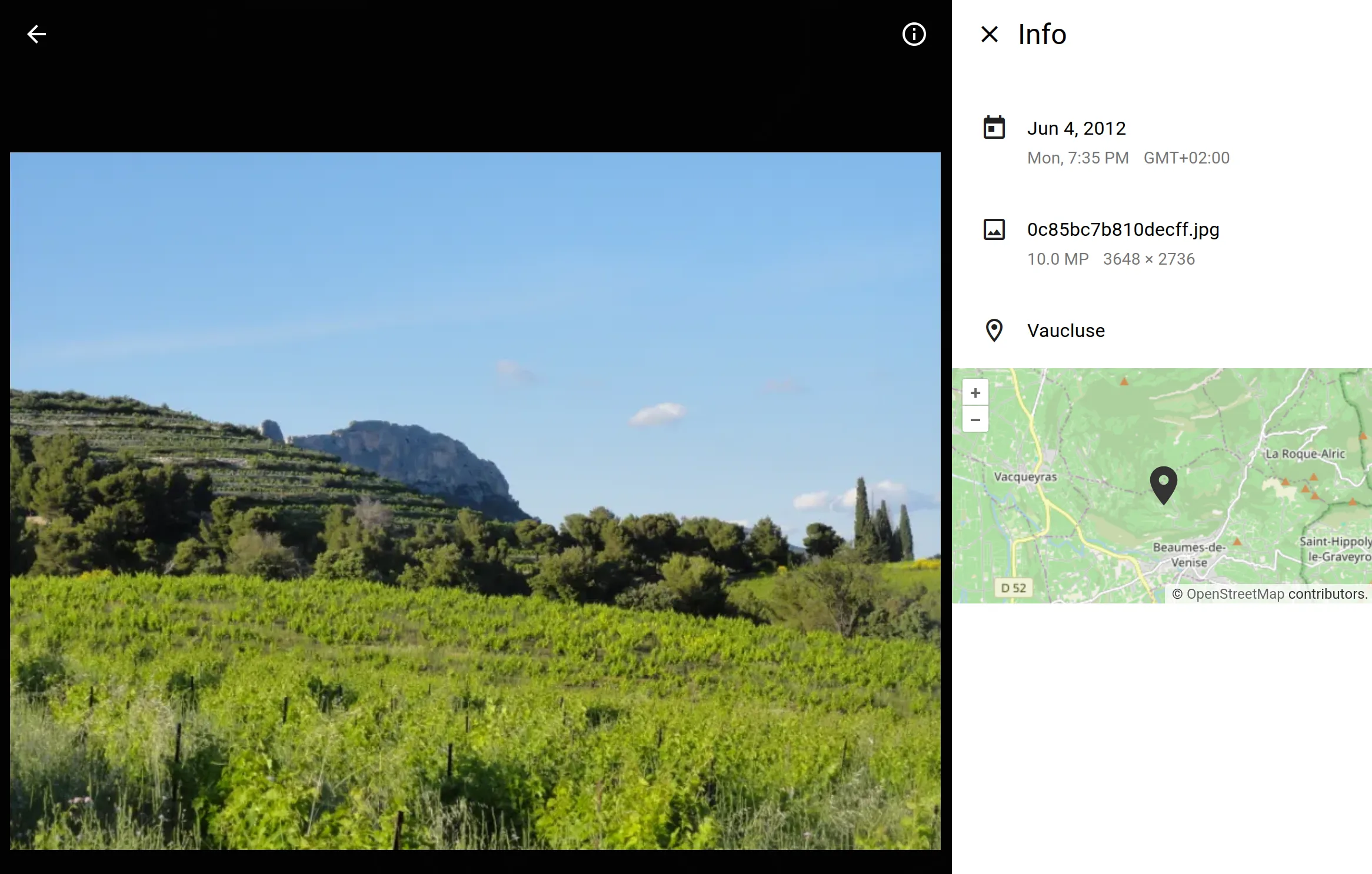
- Photo details view: a bit basic, but nice to have, map included!
- Best-of-the-biz scrollbar: no seriously, try it out, it even slows down when you linger on date in a large collection

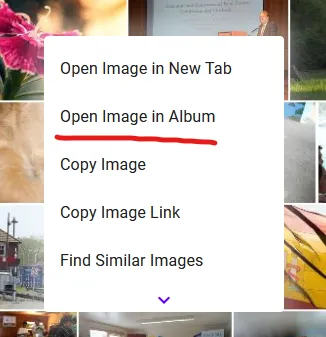
- Open Image in Album: useful to dive deeper into other photos from the same time while searching or looking at the map view
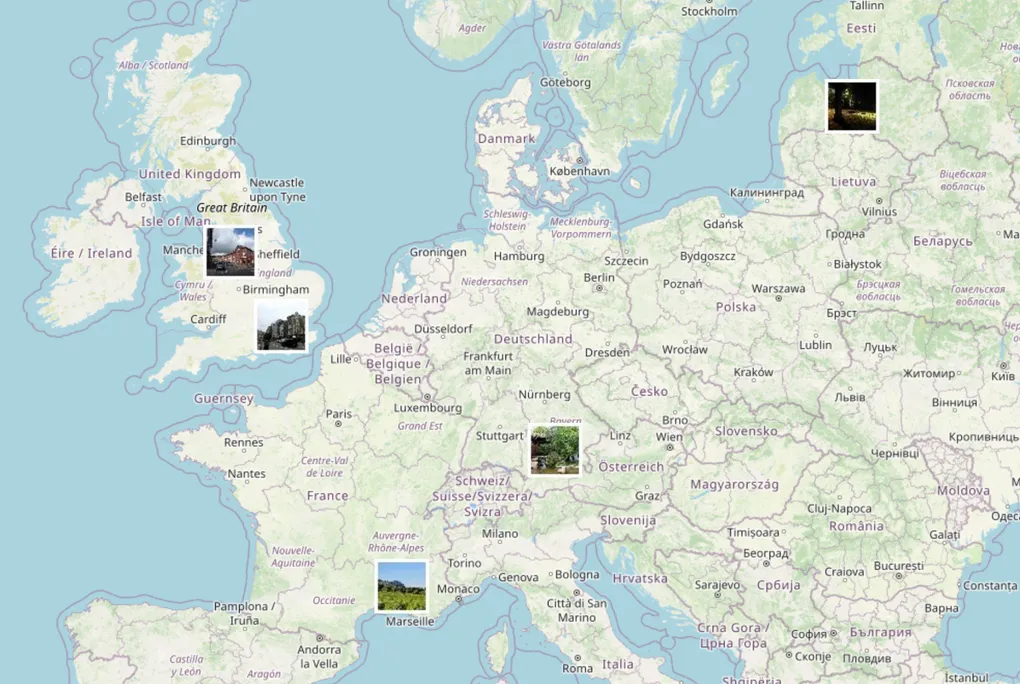
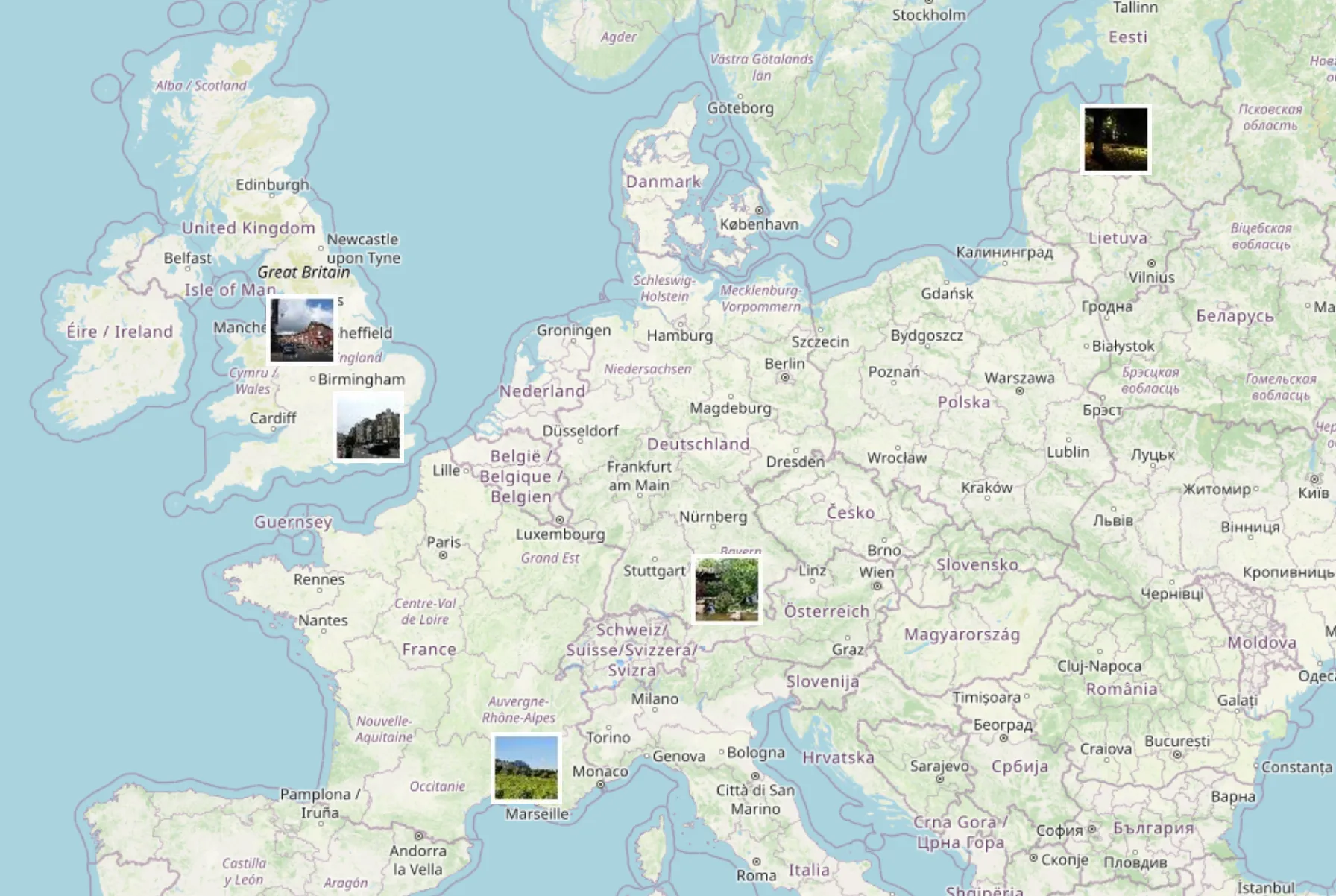
- Faster & more usable map: should mostly work on collections on any size, if it’s too dense it will give up and give you something after 10 seconds, see demo
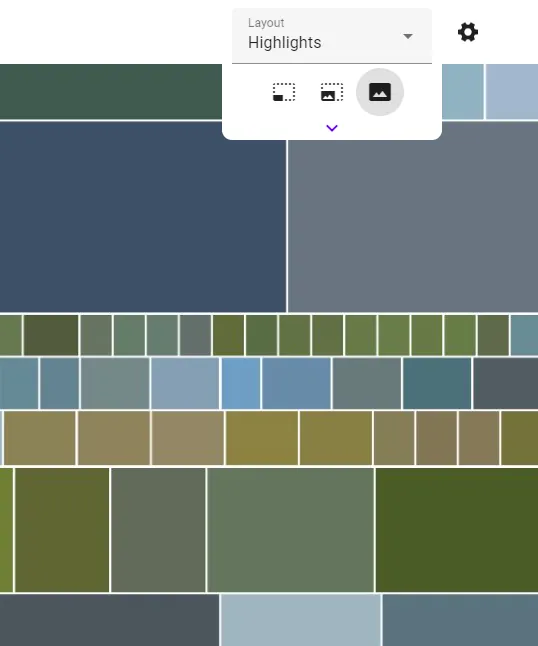
- New Flex & Highlights layouts: both use the Google-Photos-style Knuth & Plass algorithm for a more even layout, where Highlights tries to use AI to highlight diverse photos
- Scroll persistence: refreshing the page in a long album should keep you right where you expect, you can even share or bookmark the link!
- Filter by date, similarity, duplication: for example
sunset t:0.25 dedup:0.9 created:2022-01-01..2022-12-31to filter to beach sunset photos from 2023 skipping 90% similar successive photos - Large collections support: tested with a dummy collection of 10 million files, if you try it on a real one let me know!
- Faster navigation & preload: you can hold right arrow and it should just fly through photos 🚀
- Batch tag editing: tags are still somewhat alpha, but after you select photos with Ctrl/Cmd, you can edit their tags all at once
What’s fixed?
- Timezone fixes: first contribution by Terrance 🥳
- Black bar cropping: if thumbnails have black bars (seen in DSLR photos), they get cropped automatically
- Image cache size: this config was ignored, but no more
- Lots more tiny problems: panics, UI bugs, view not updating on tags, scene reloading, scrolling glitches, out of date dependencies, back button and other navigation behavior, etc.
See the CHANGELOG or all the individual releases for more details: v0.15.1, v0.15.2, v0.16.0, v0.17.0, v0.17.1, v0.18.0, v0.19.0, v0.20.0
Demo! Demo! Demo!
👉️👉️👉️ https://demo.photofield.dev/ 👈️👈️👈️
Still running on Hetzner’s arm64-based CAX11 with 2 vCPUs & 4 GB of RAM - the cheapest one. It is plenty fast and only sometimes breaks 😅
How do I get it?
Download the single executable or pull the Docker image and check Quick Start:
services: photofield: image: ghcr.io/smilyorg/photofield:latest ports: - 8080:8080 volumes: - ./data:/app/data - ./photos:/photo:roWhat’s next?
More usable search? Refreshed UI? Friendlier onboarding? Something else?
Join the discussion on Lemmy or let me know via email or toot with any ideas, questions, or comments!